
 Todo Dash
To-dos and notices
for me and us
Say or type it, and it becomes a tidy to-do or notice. Your own errands and the notices shared in your office or club sit together on one screen. It started as an office dashboard and is being shaped into an app anyone can use.
iPhone · iPad · Mac · Android · Windows · web · no account needed to start
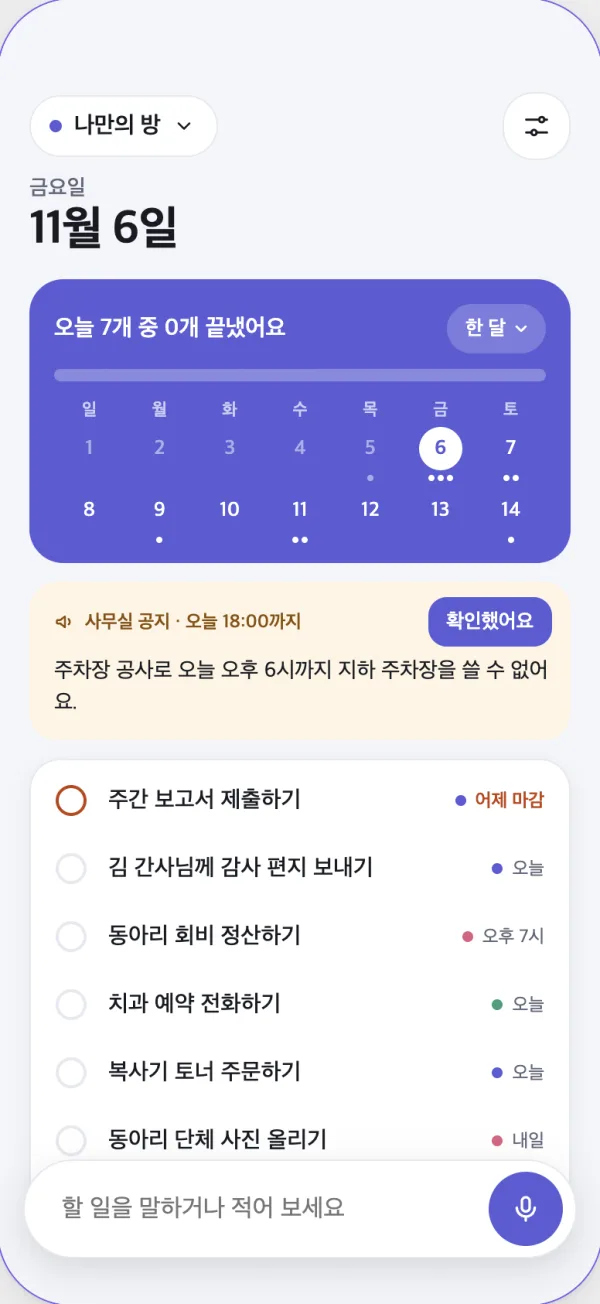
Say it the moment it comes to mind
Tap the mic and speak. Todo Dash works out what to do, by when, and for which room, and turns phrases like “next Wednesday” into dates. It saves right away; one tap undoes it.
“Prepare the meeting slides by next Wednesday, and order a flower wreath tomorrow.”
- Prepare the meeting slidesOffice · Nov 11
- Order a flower wreathJust me · Tomorrow
Scattered tasks, one place
-
My room
Notices sent to you and tasks assigned to you, from every office, club and personal list, gathered on one screen.
-
Notices that clear themselves
A notice leaves the list when its time is up or when everyone has tapped “Got it”.
-
Speak to add
AI transcribes your recording and splits it into tasks, dates and rooms. Turn it off for a plain to-do app.
-
A compact calendar
A two-week calendar folded into a card, so busy days stand out while the list keeps room to breathe.
-
On every device
Phone, the computer menu bar, even the office TV. Foldables and landscape screens split into two panes.
-
Your data stays yours
Nothing passes through the developer's servers. Your tasks live only in the storage you choose.
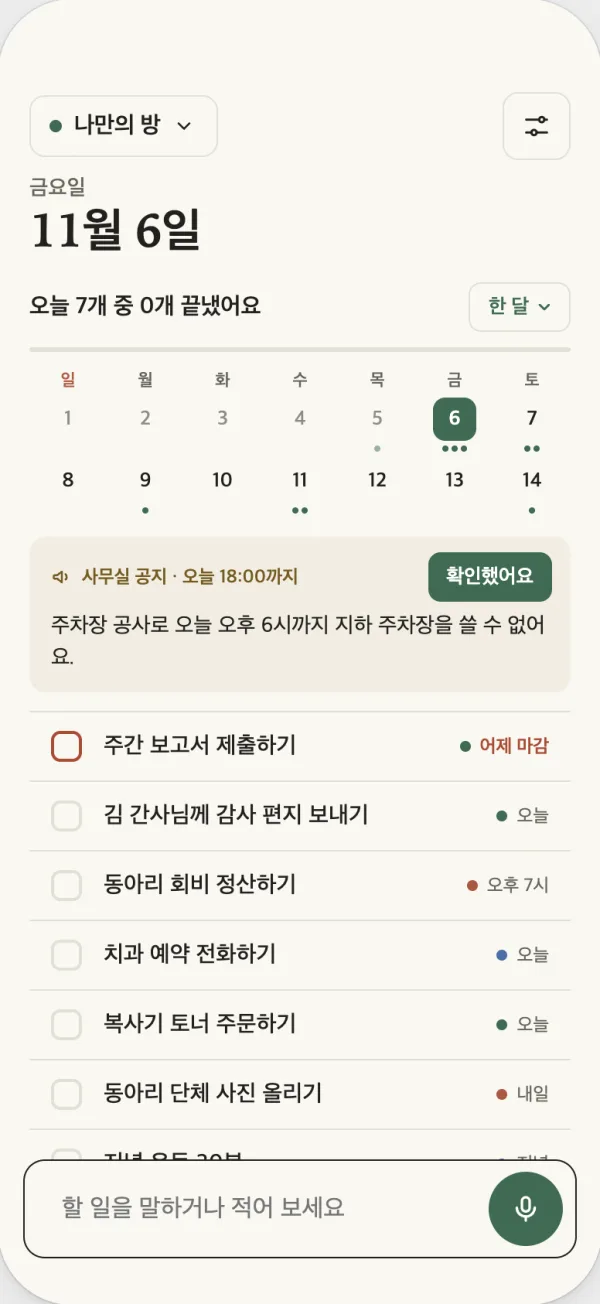
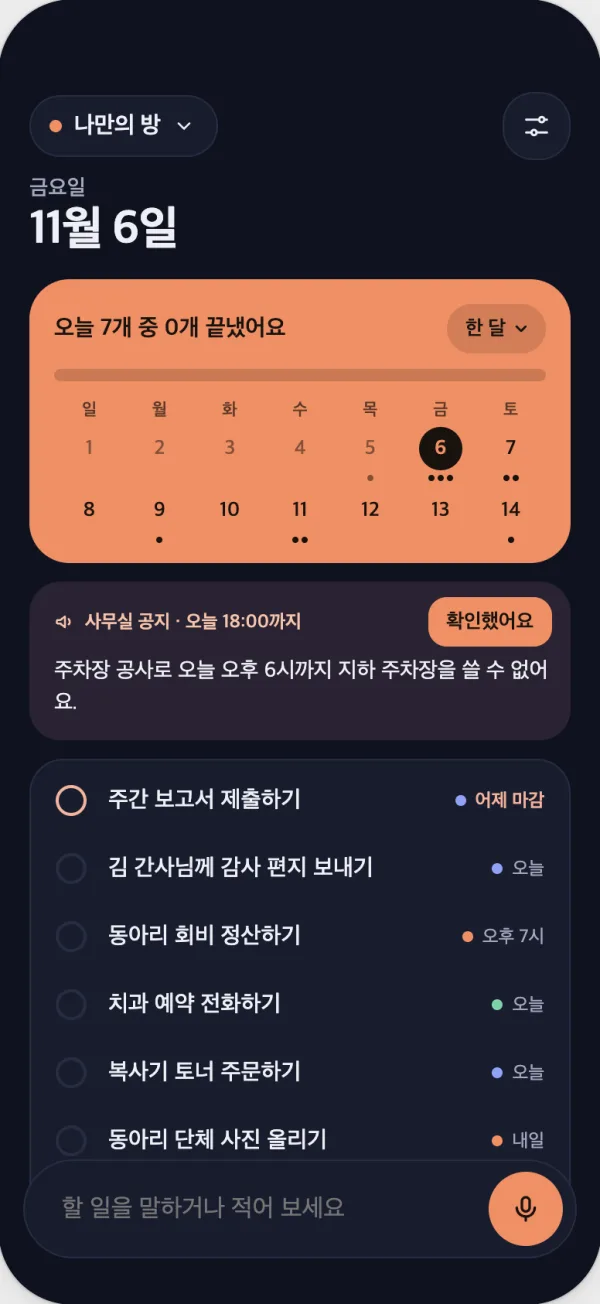
Three looks
Same layout and behaviour, different colours and mood. Switch any time in Settings.
You choose where it is stored
Todo Dash only draws the screen. Pick the storage that fits, and your content is saved there and nowhere else.
- This device
- For your own to-dos. Start with no setup, and sync your devices with your Google account if you like.
- Notion
- If you already use Notion. See and edit the same items in Notion.
- Google Sheets
- For a small office or group, in a sheet everyone knows.
- Supabase
- For larger teams or where security matters, with role-based permissions.
Price
- FreeMy room + 2 rooms, voice input, notices and alerts
- $0
- Unlimited roomsOpen every room in the app · no subscription
- $2.99 once
On the web you can view any number of rooms. Details at tododash.app.
Jot to-dos lightly, and let notices disappear once read. Launch news and guides are on the official site.