
Bible
KJV and the Korean Revised Version
All 66 books, 1,189 chapters. Choose a book and a chapter, then type a verse at a time.
 Typing Warrior
Learn Korean and English typing by copying the whole Bible, the poems of Kim Sowol, Yun Dong-ju and Han Yong-un, Shakespeare's sonnets and Emily Dickinson — one line at a time. Free, with no ads.
macOS (Intel and Apple silicon) · Windows 10/11 · iPadOS (hardware keyboard needed) · the interface language and the practice language are chosen separately
Thy word is a lamp unto my feet, and a light unto my path.
Psalm 119:105 · KJV
Click this card, then type the line below on your keyboard. No need to switch input method — just like the app, it reads the physical key positions and builds Hangul itself.
Nov 6, 2026
The iPad app is now on the App Store
The Mac app is coming soon
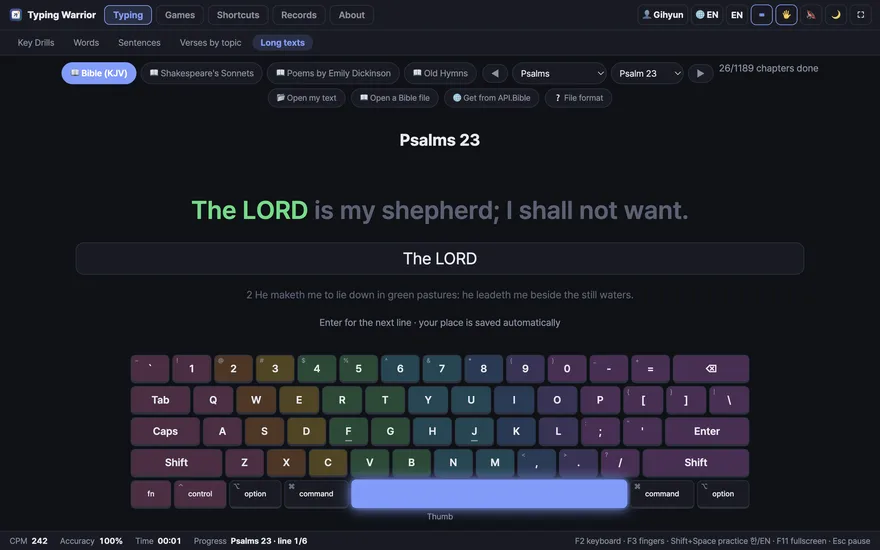
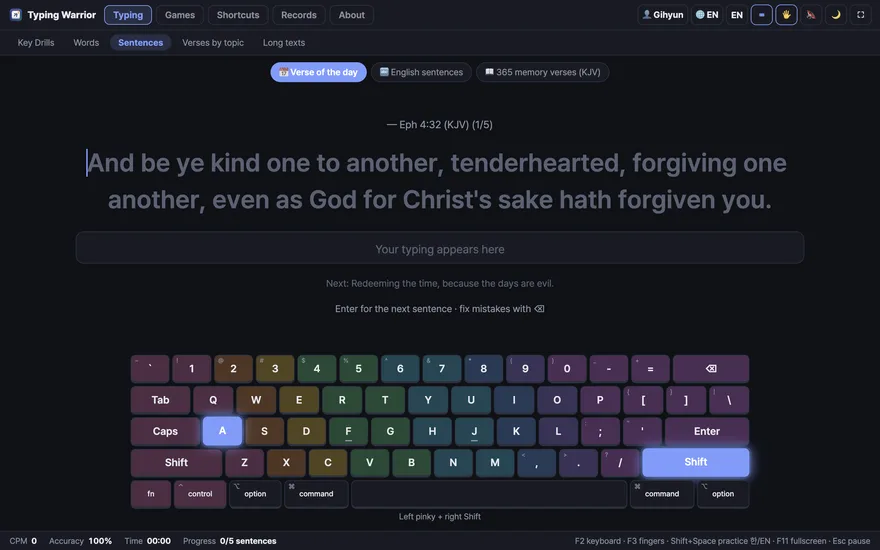
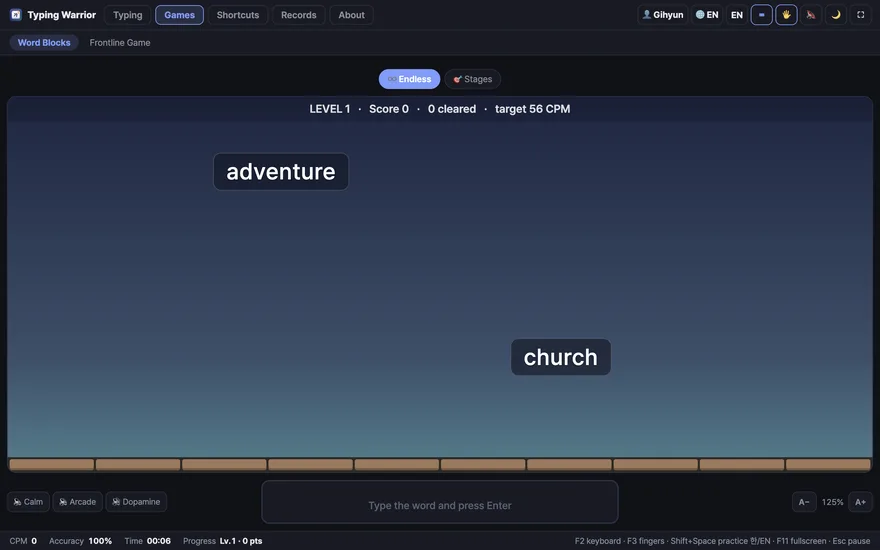
Filmed end to end on an iPad with a Magic Keyboard: opening the app, choosing something to type, and working through it line by line, with nothing cut out.
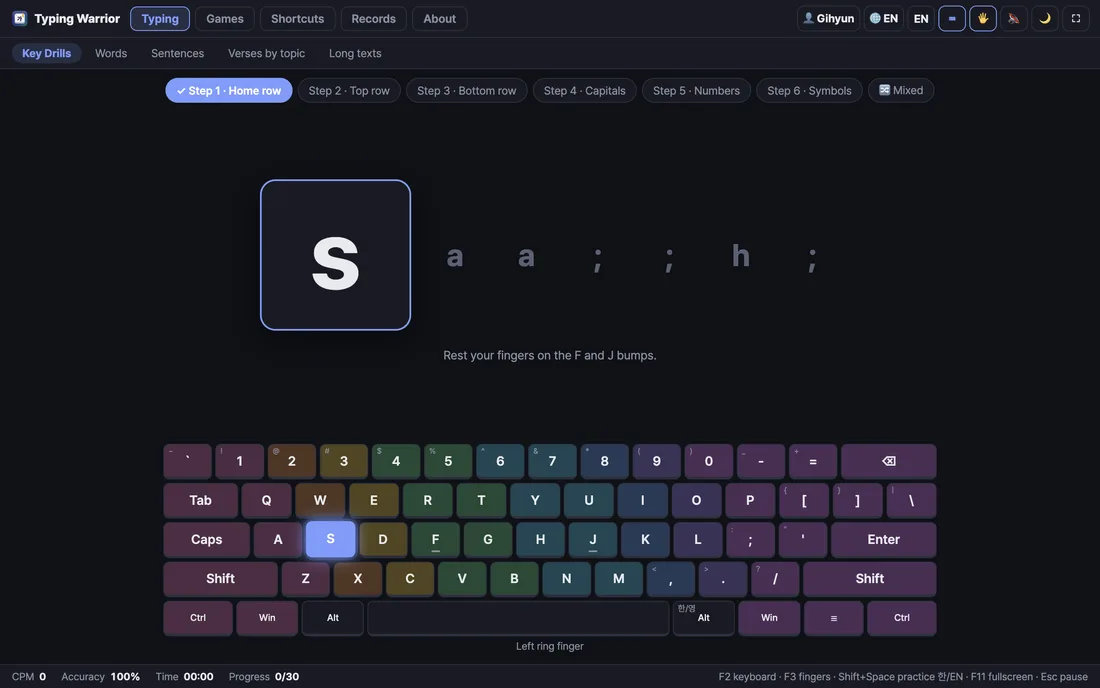
Six English stages and seven Korean ones, from the home row out to the numbers and symbols. The on-screen keyboard lights the next key; press F2 to hide it and type from memory.
All 66 books and 1,189 chapters of the Bible, three landmark Korean poetry collections, Shakespeare's sonnets and Emily Dickinson. Your place is saved, so you pick up where you stopped.
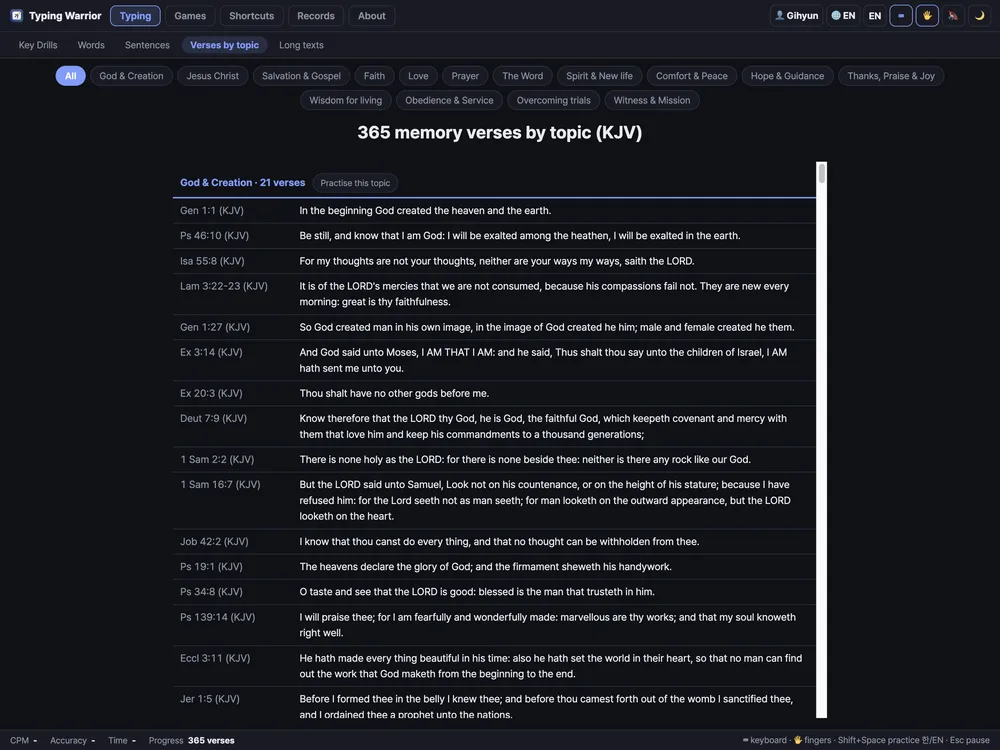
A verse of the day that changes with the date, 365 memory verses, and a table that sorts them into fifteen topics — love, faith, prayer, comfort and more. Pick a topic and start typing it.
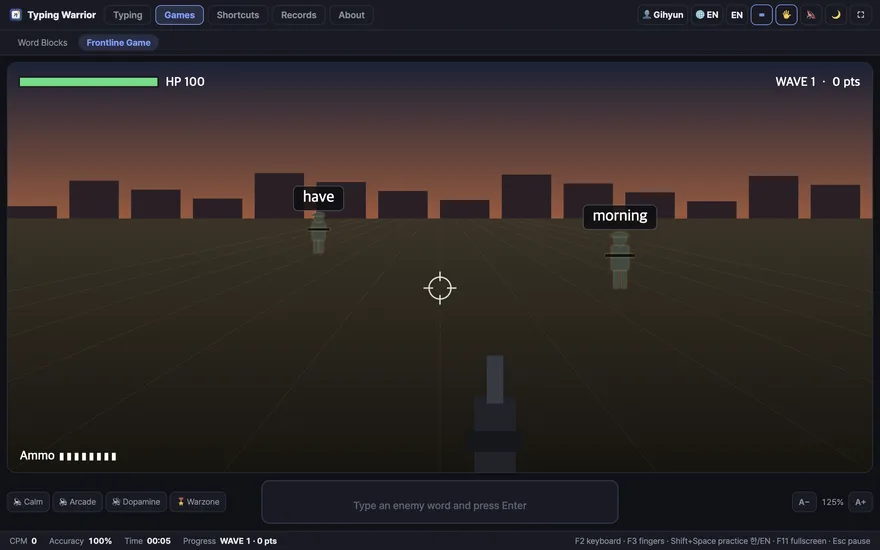
Word Blocks, where you type falling words before they land (endless mode, plus levels 1–20), and Frontline, a first-person game where you type the word on an enemy to fire. Four sound sets.
Three levels, from copy and paste to window handling. Practising Mac shortcuts on a Windows keyboard maps the keys for you, and Ctrl, Alt, ⌘, F1–F12 and the arrows all appear on the on-screen keyboard.
Several people can share one computer and keep separate records, saved positions and language settings. There is a ranking for the whole machine, and a badge for finishing a book or a collection.
KJV and the Korean Revised Version
All 66 books, 1,189 chapters. Choose a book and a chapter, then type a verse at a time.Kim Sowol · Yun Dong-ju · Han Yong-un
Azaleas, Sky, Wind, Stars and Poetry, The Silence of the Beloved, and a modern-poetry anthology.Shakespeare's sonnets · Emily Dickinson
The sonnets, Dickinson's collected poems, and 35 old hymns.Verse of the day · 365 verses · 100 sayings
One short line at a time. Fix a wrong letter with ⌫, move on with Enter.Your text files · your Bible
Open a .txt file, upload a Bible as CSV or XML, or fetch a translation of your choice from API.Bible.Everything you type is public domain or CC BY-SA. Every source and licence is listed on the app's About screen.
On the Microsoft Store it is listed as “Typing Warrior: Bible & Poetry”. It installs without a warning dialog and updates itself.
Windows 10 · 11 (64-bit)
The same screens as the desktop app, used with a Bluetooth keyboard or a Magic Keyboard. Because this is typing practice, a hardware keyboard is required.
iPadOS 16.4 or later · free on the App Store
The source code is open under the MIT licence.
The app is free. The coffee is optional.
☕ SupportBuy Me a CoffeeOne cup is plenty · buymeacoffee.com/ccumgol
Line by line, your typing improves — and the words stay with you.
